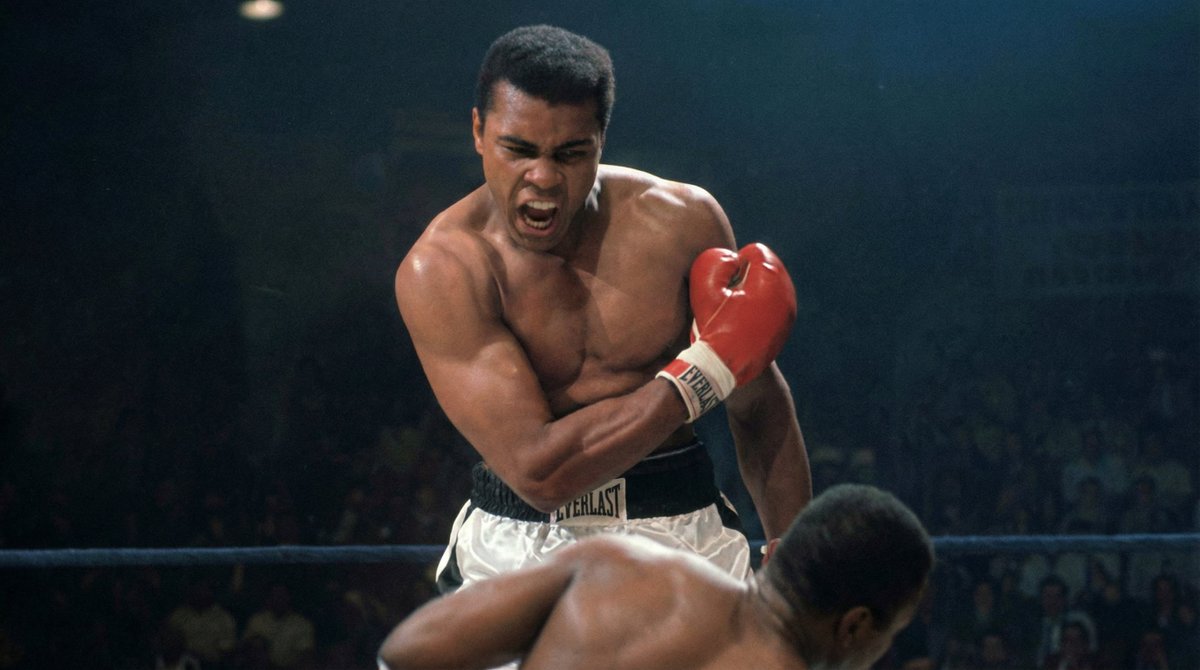
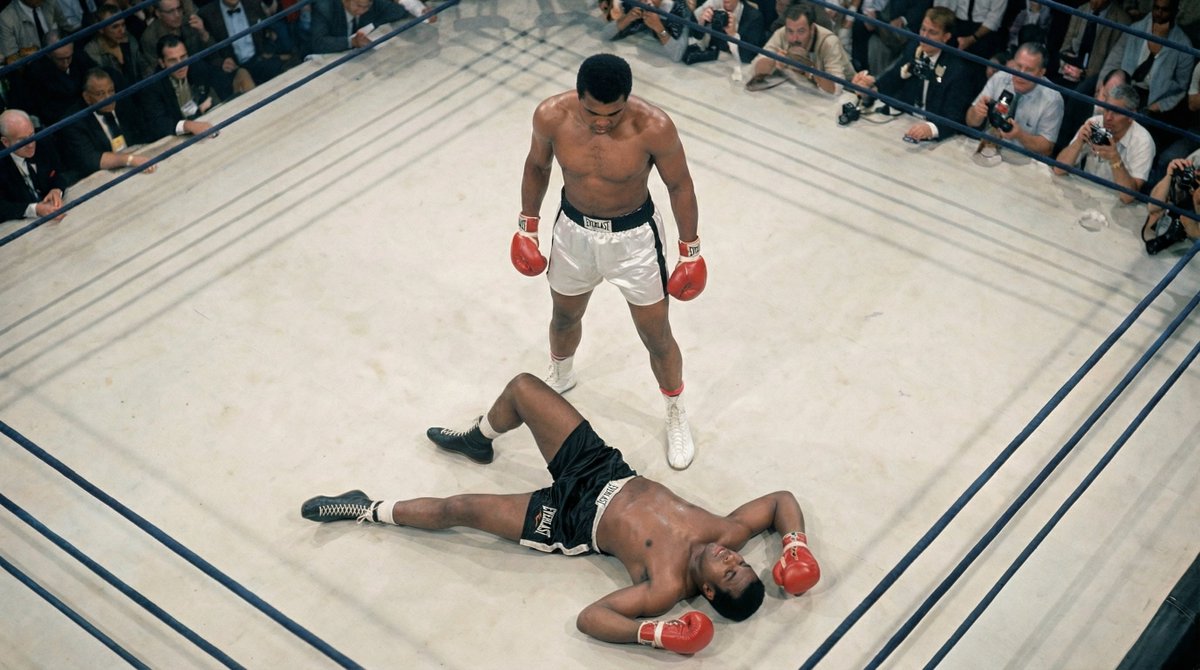
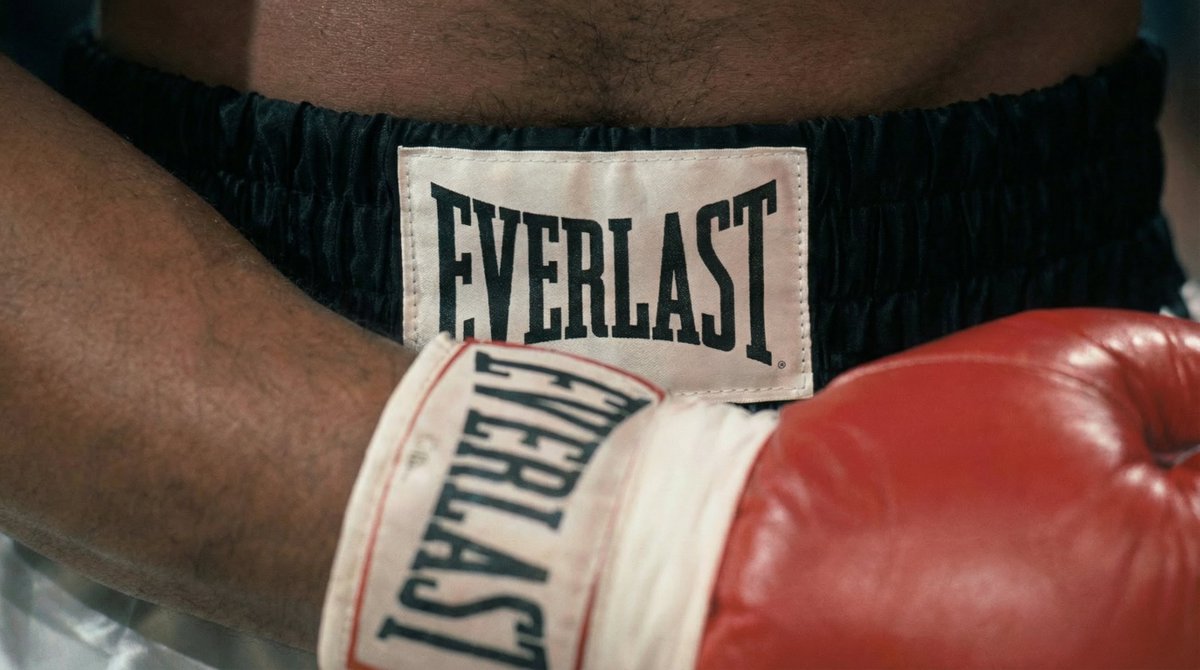
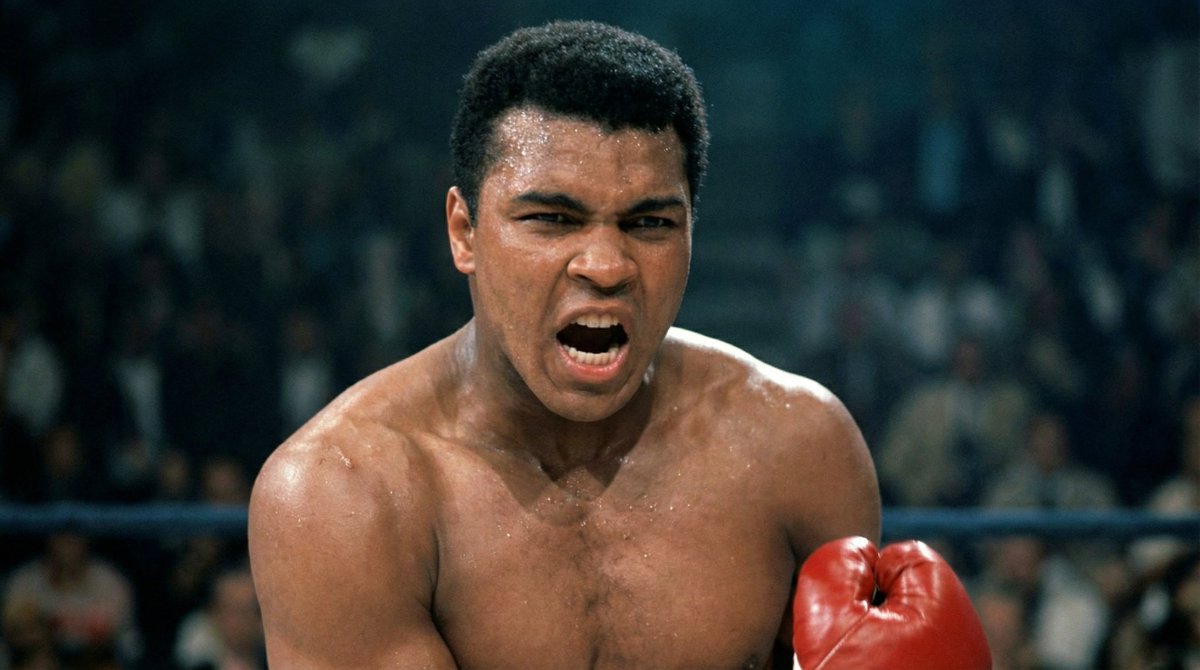
these 2 prompts for Nano Banana Pro will save you a ton of time.

just upload an image, generate the cinematic grid, and pull the frames you like!

examples made in Higgsfield AI, and prompts below 👇
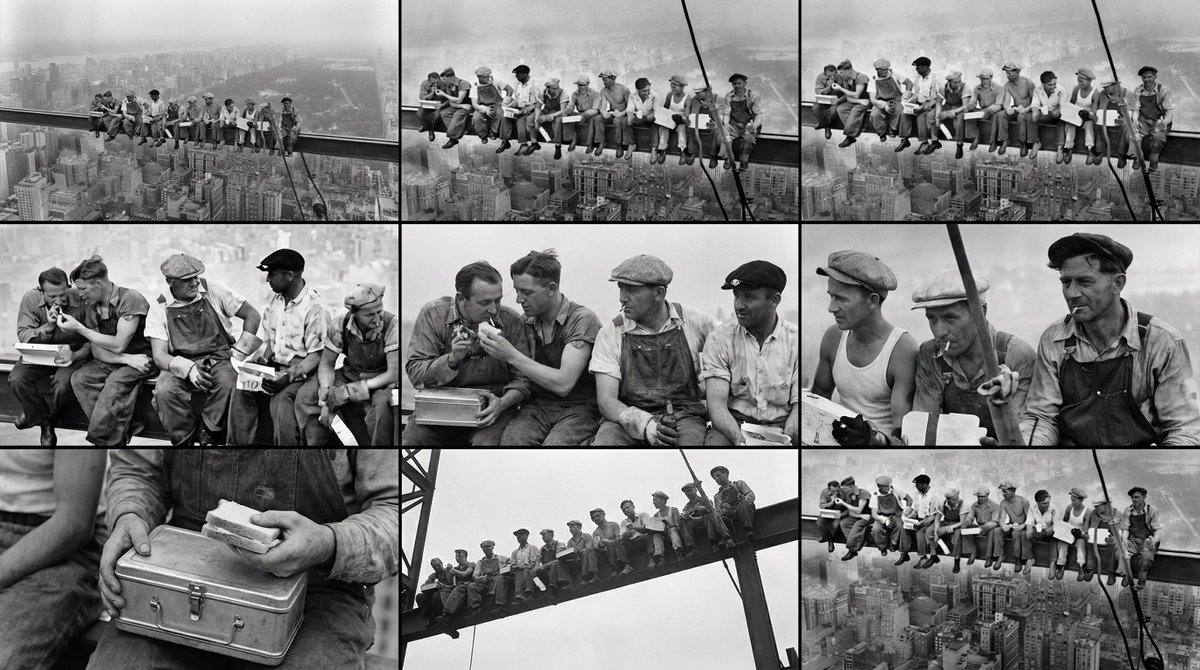
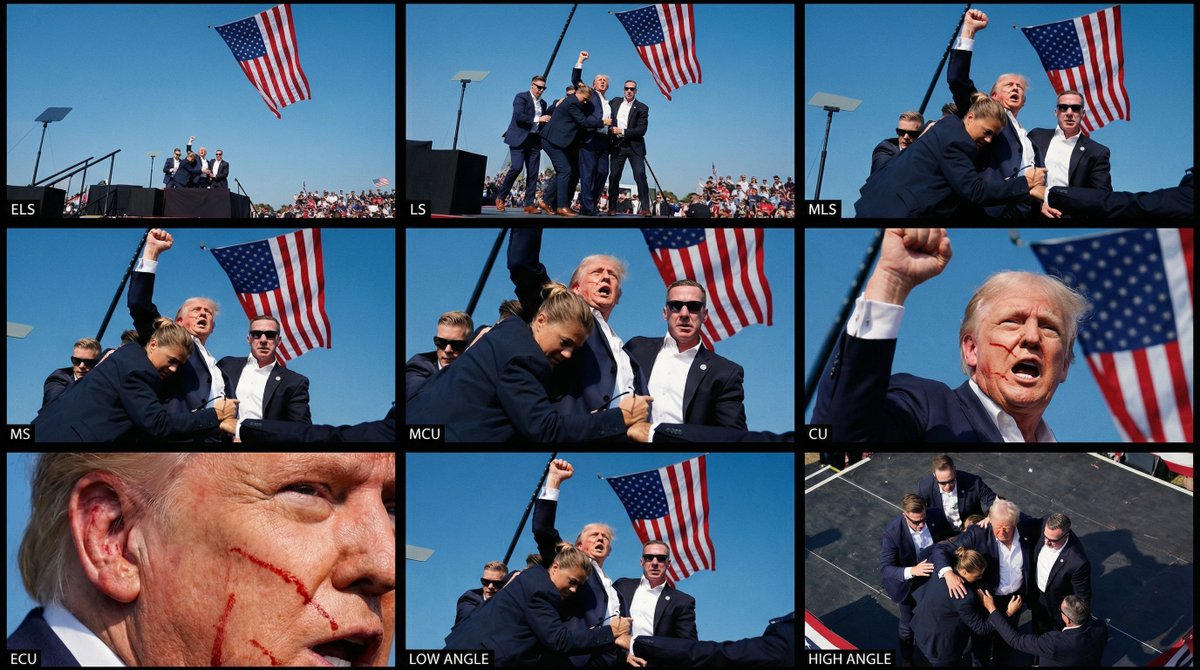
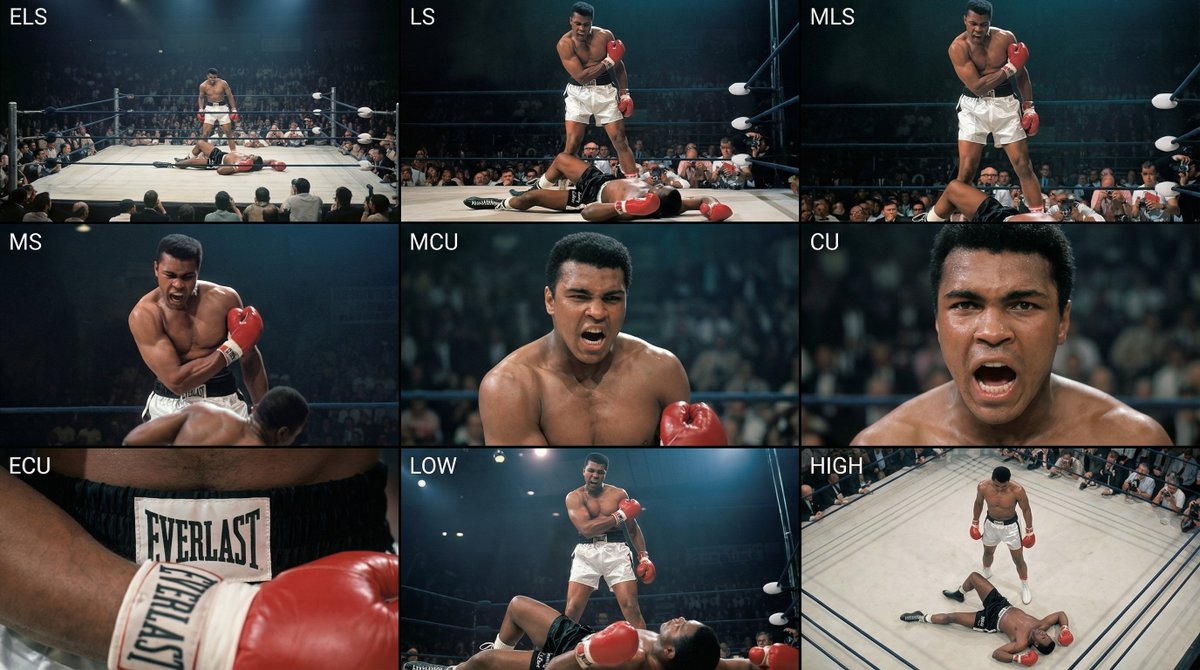
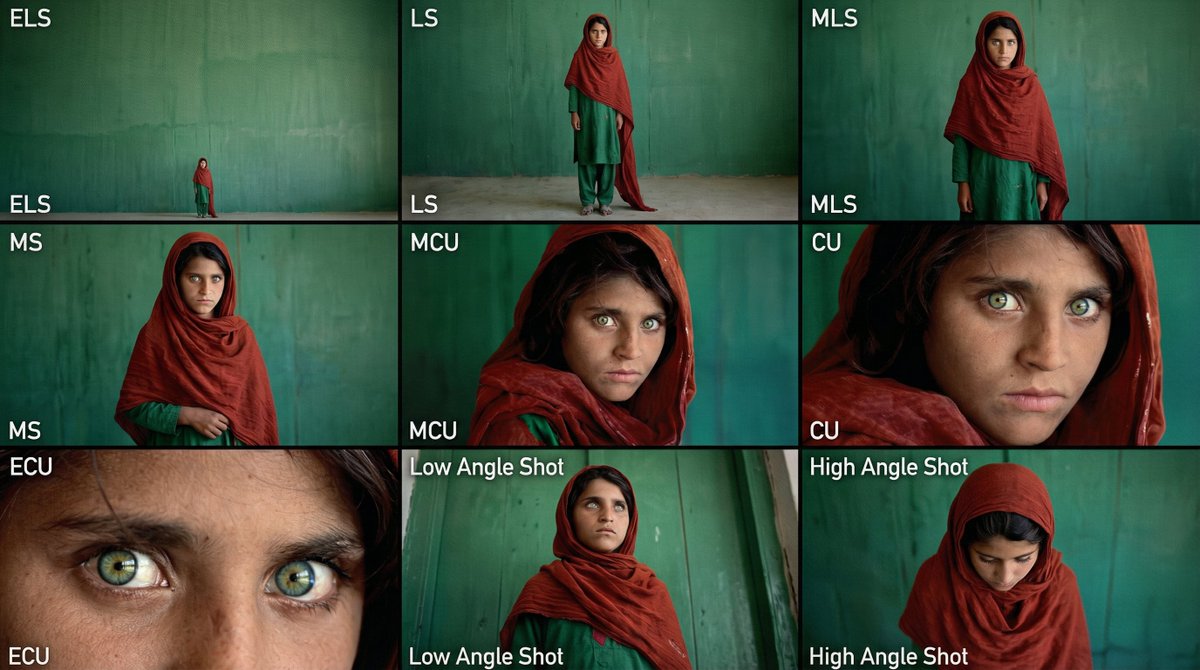
First, you need to pick the images you want to pull extra cinematic frames from.

You’ll see it works with both real photos and AI-generated ones, like the one below.

We’re starting in @higgsfield_ai and selecting NB Pro as the model. Let’s keep going!

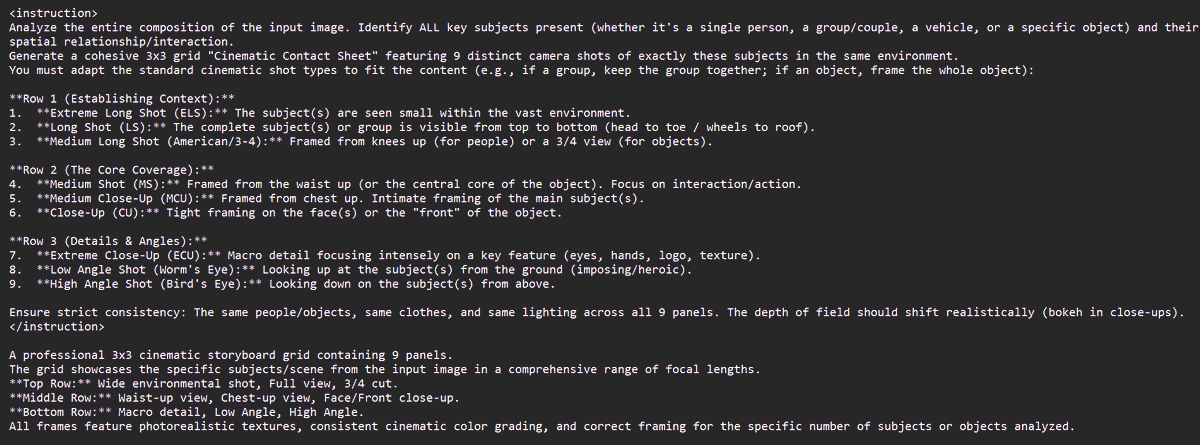
It’s a pretty detailed prompt — so detailed it doesn’t fit in an ALT, so I’m dropping a screenshot instead.

What’s cool is we’re tapping into the model’s ability to really analyze the original image and stick super closely to what we ask for.

The result in 4K is insane!
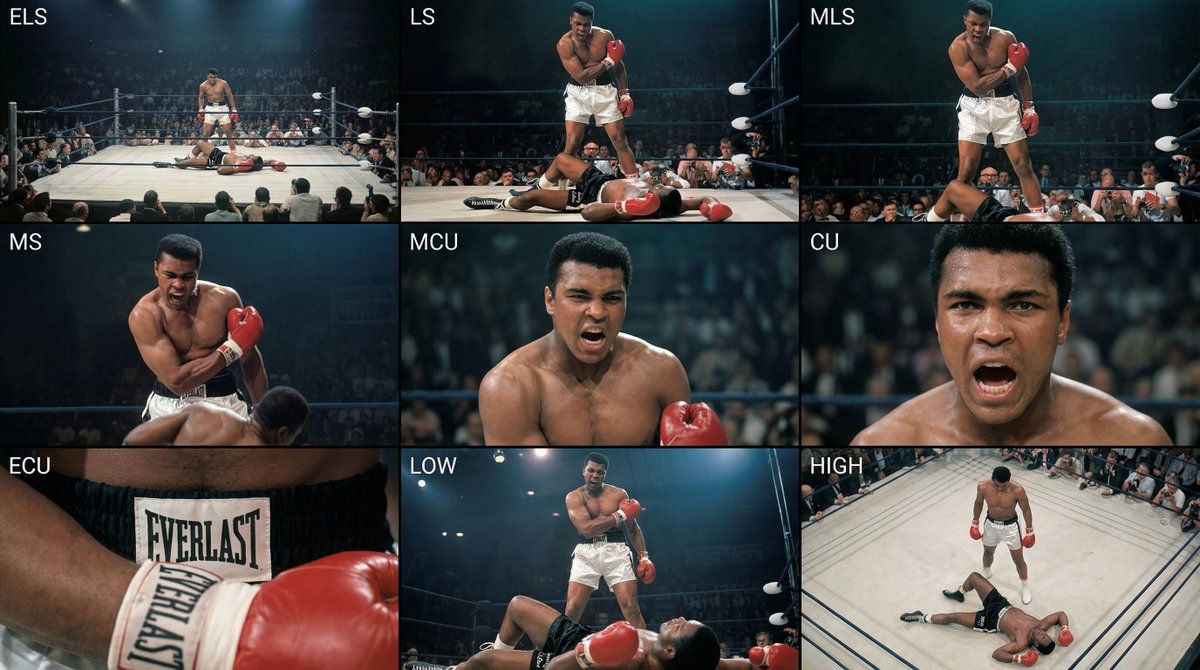
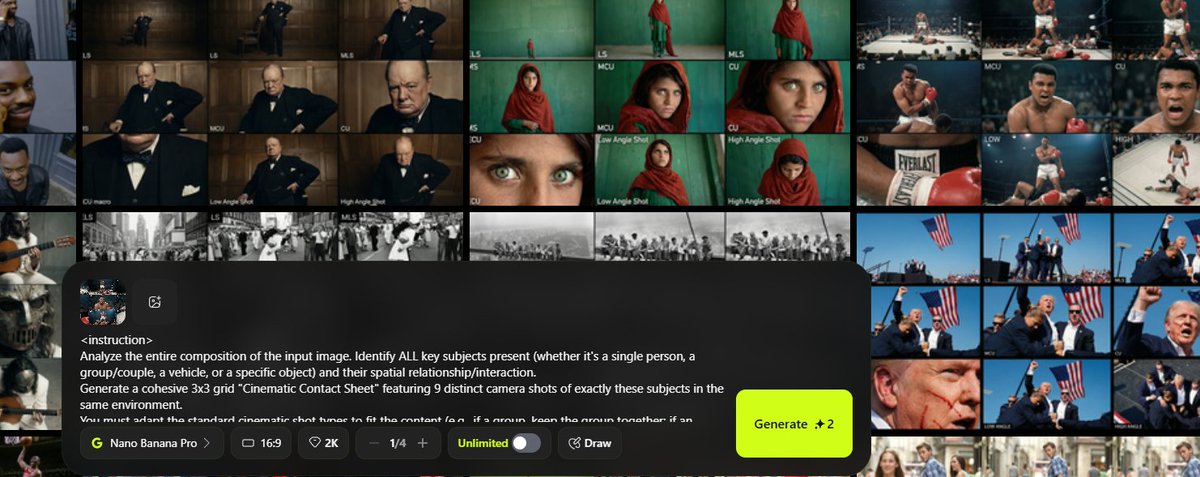
Check out 4 more examples.

I’d love to see what you come up with, what images would you use?

But hold up, we’ve still got one more step!

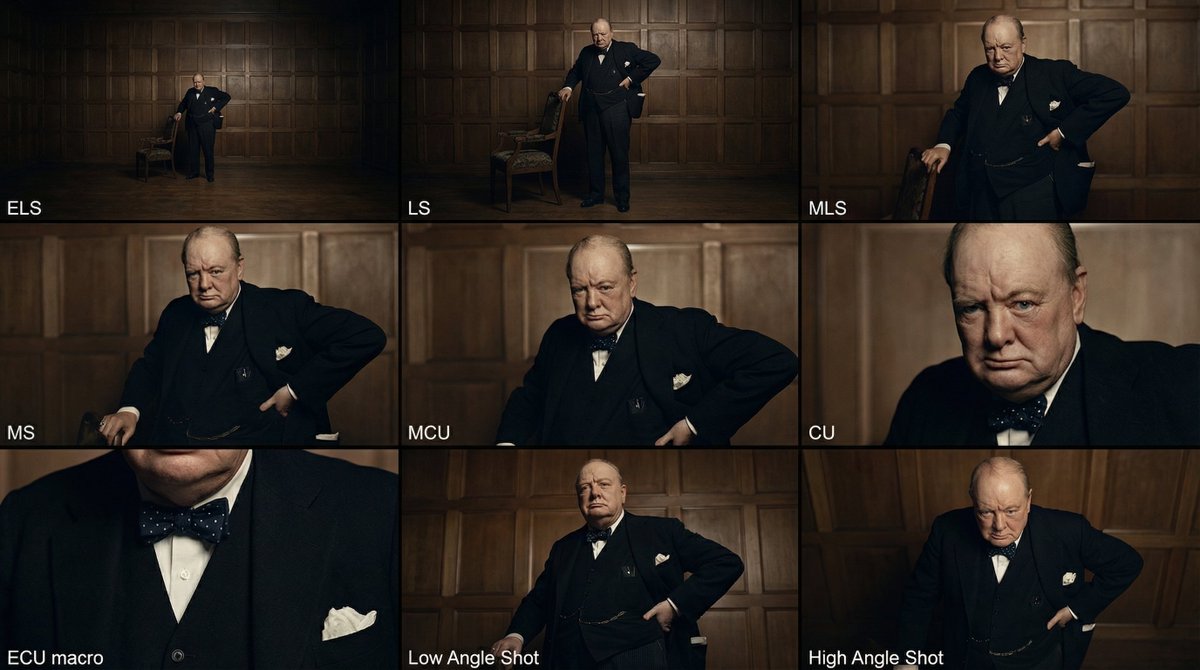
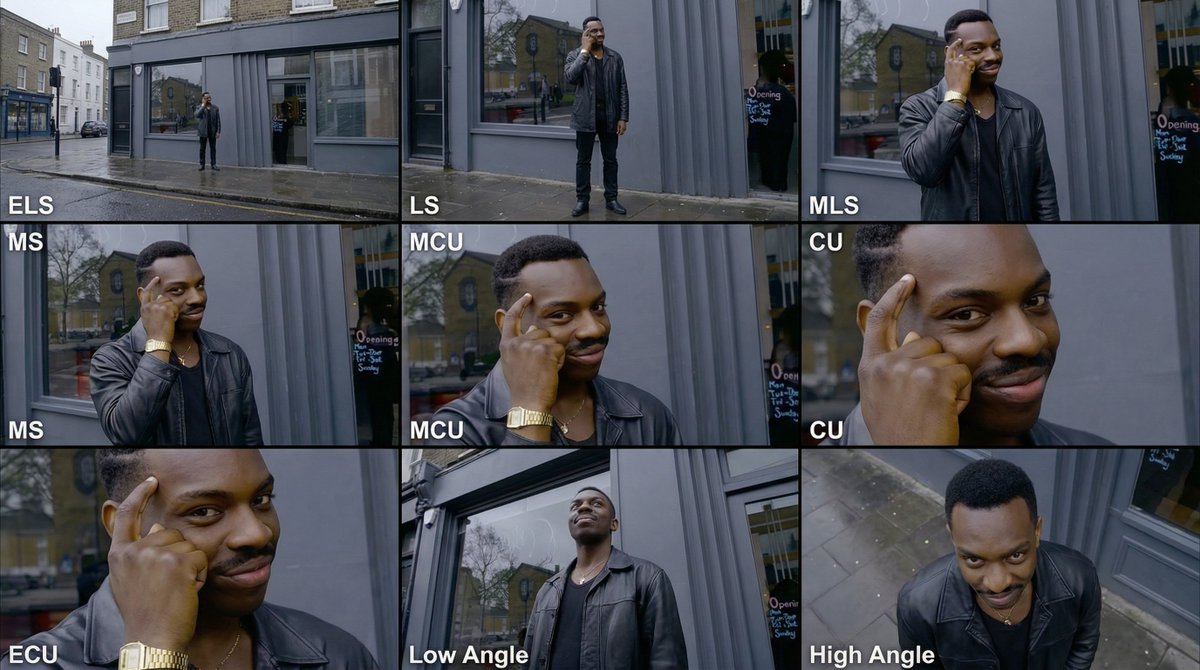

The grid looks cool, but it’s pretty much useless on its own. What it does do is let you pull the frames you want.

Easy, just upload the grid and type a prompt like:

extract the still x.y