
Tweet Overview
View this X/Twitter post from @AndreaMontini published on 16 de junho de 2025 às 13:05. This post contains 4 videos and 4 images.
Stunning UI visuals in seconds.

Cut design exploration time by 80% using new GPT-4o image gen.

My secret process revealed:

1 – Choose 2 images references


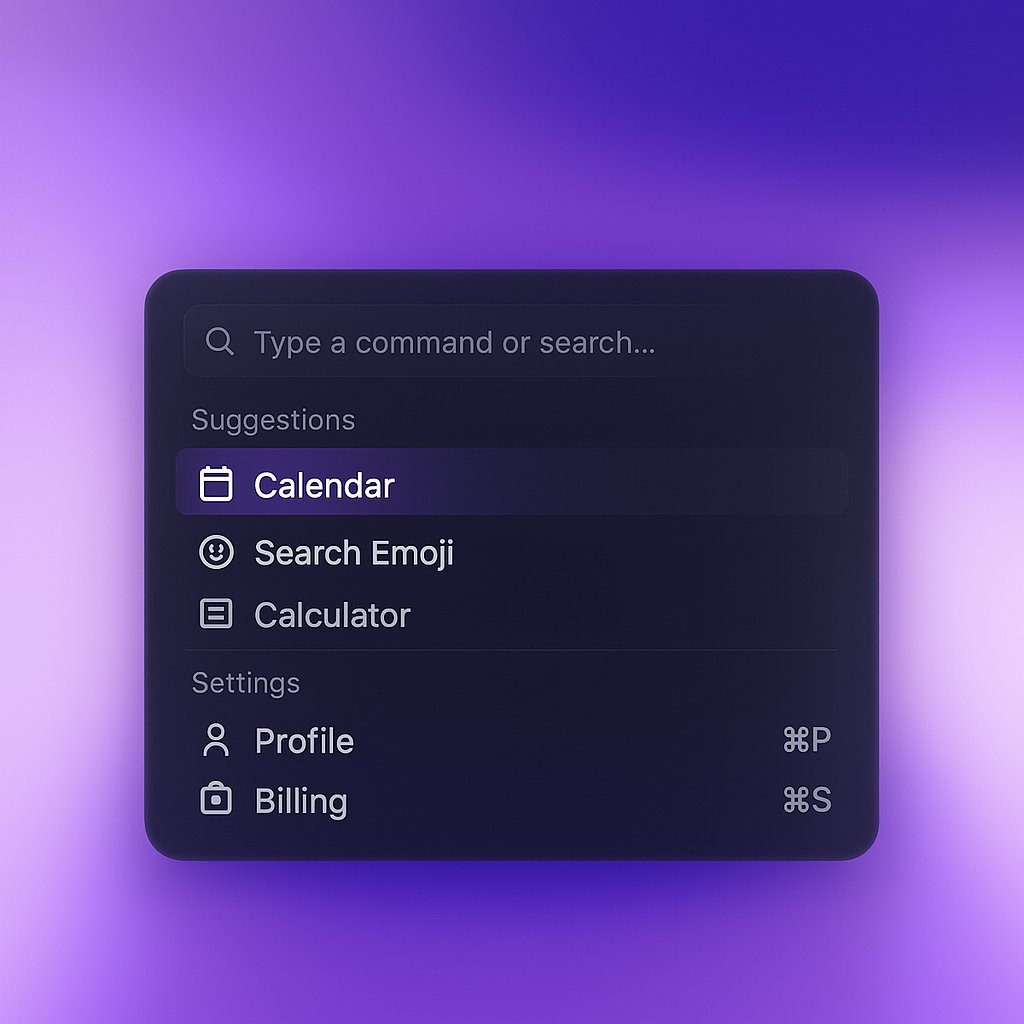
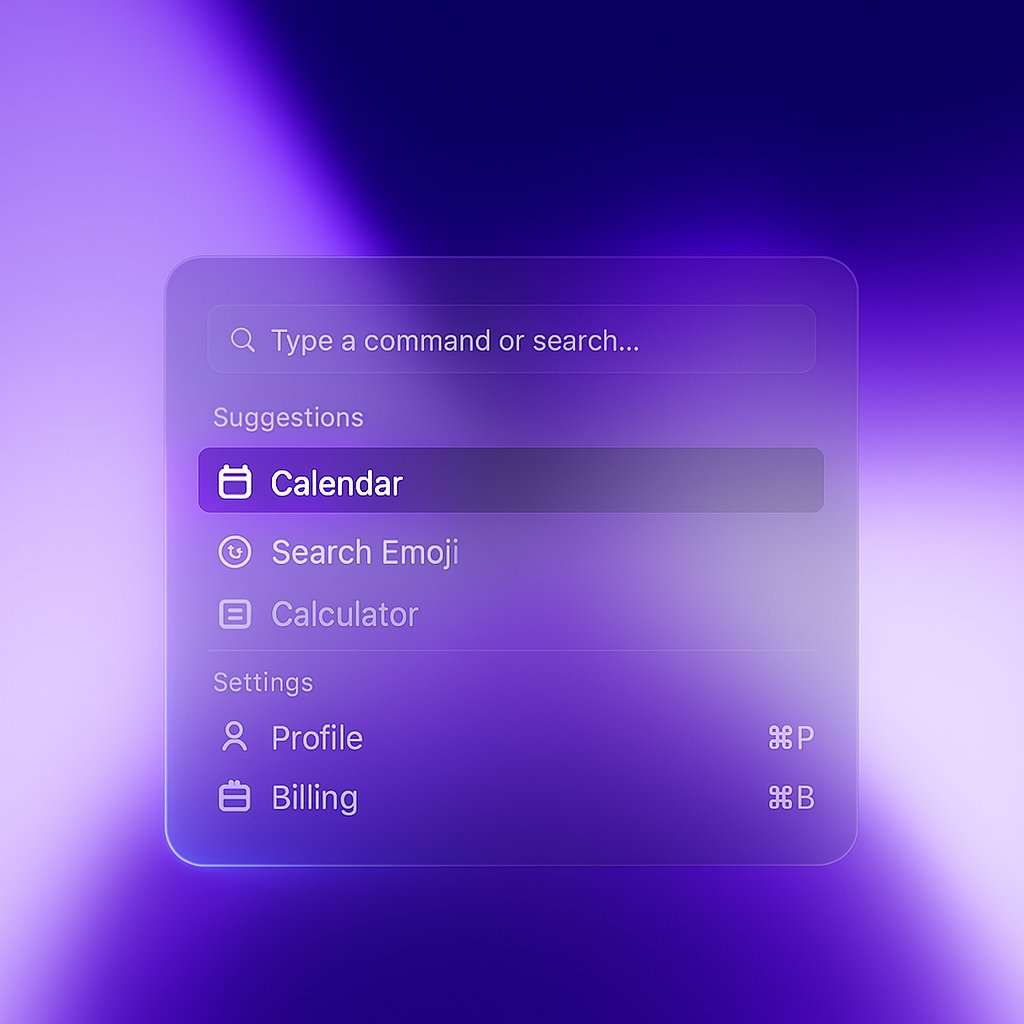
Step 1: Upload two key references.

One for the structure reference (your wireframe or sketch) and one for style/look (visual you want)

This dual-image approach is the secret to precise results without design tools.
Step 2: Craft a clear, detailed prompt.

Mine:

"Create image: use the structure and content in the left image widget and apply the style from the right image. Convert from light to dark theme with a plain dark background. Add generous space around the widget. Square, 4k."
Step 3: Refine with specific directions.

If the first result isn't perfect, I add precise instructions:

"Make text more legible"
"Improve icons and details"
"Add subtle gradient to background"

Being specific about what to fix speeds up iterations.
Step 4: Go wild with rapid explorations.

This method shines for testing design directions in minutes instead of hours.

Perfect for client presentations, design exploration, and quick feedback cycles.

It's unbeatable for concept validation.
I've cut my design exploration time by 80% using this method.

The combination of dual references + specific styling instructions lets me test 5x more concepts in the same timeframe.

Your creative process will never be the same.
Share your experiments in this thread and inspire the community with creative widgets UI designs ✨
Launch your startup fast and turn visitors into customers with beautiful Framer templates:

https://nest.show


