
Tweet Overview
View this X/Twitter post from @techhalla published on lúc 19:34 10 tháng 8, 2025. This post contains 6 videos and 2 images.
my daughter asked me for an AI video of herself… and I just couldn’t say no!

It only took me 15 minutes by following the steps I’m sharing in this thread 🧵👇

(bookmark for later)
Step 1

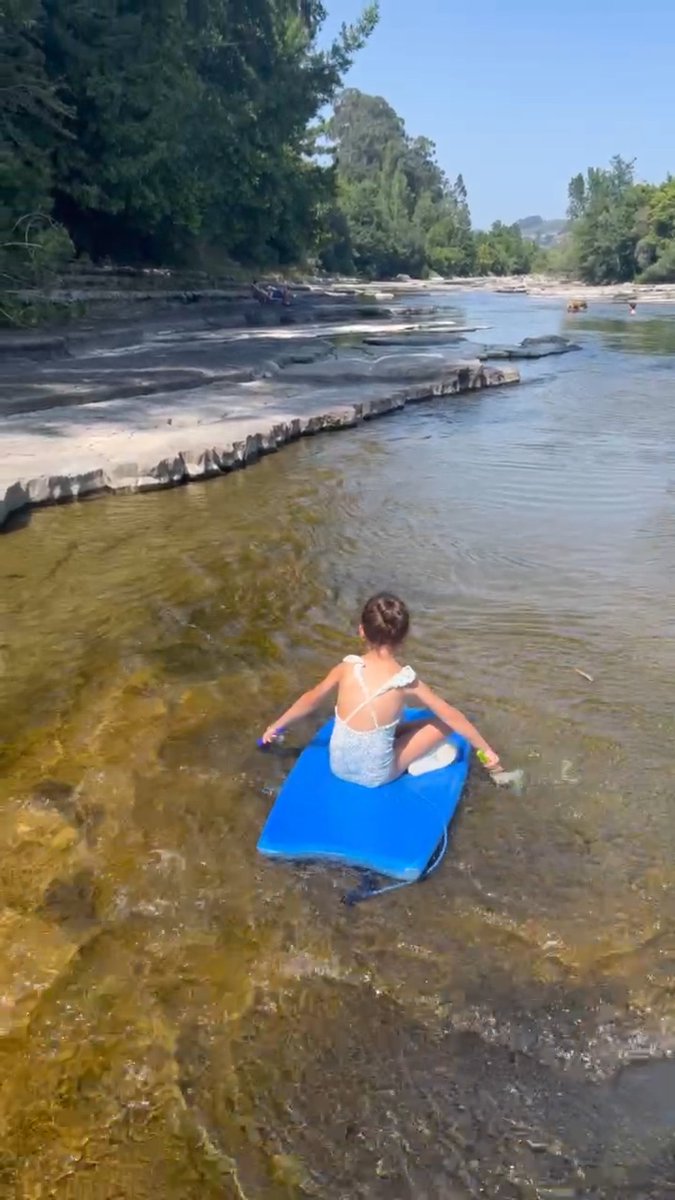
Record a short video with your phone.

Think about what’s going to happen next and grab the last frame.
Step 2

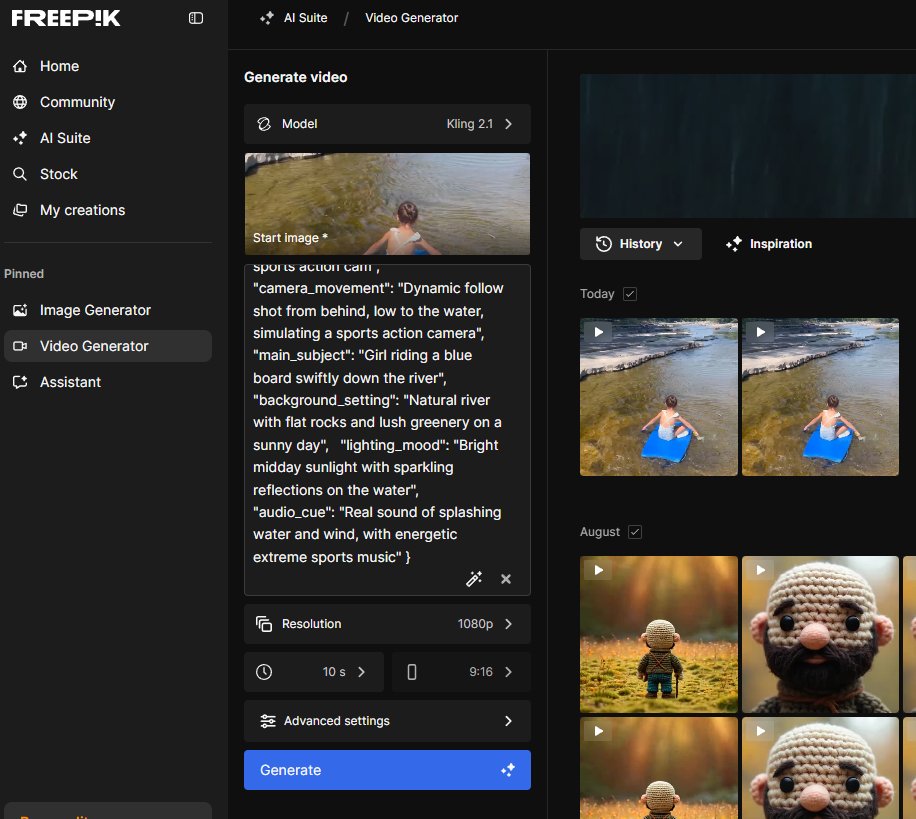
Go to @freepik (I’ll drop the link at the end along with a discount) and upload the image.

Pick the Kling 2.1 model and type in a prompt like the one in the image’s ALT text.

Action starts! But her favorite animal still hasn’t made an appearance yet...
Step 3

Now it’s as simple as repeating the process, stringing the clips together, and editing them in your favorite editor!
And before I share the link and the discount, here’s this tutorial too, all about Freepik and how to make the most of its unlimited Wan 2.2 to tell stories!
https://x.com/techhalla/status/1953076144619839548
Take advantage of their yearly deal with 37% off plus my extra 30%…

The premium plan comes out to just 20 bucks a month and you get access to the best image and video models!

Here's my affiliate link https://x.com/techhalla/status/1924511427806871703
Hope you liked it!

Follow me at @techhalla for more guides, updates, and daily prompts for generative AI, and drop a like, repost, and bookmark on the main post.

You really help me keep sharing this kind of content!
https://x.com/techhalla/status/1954627445249982953


