
Tweet Overview
View this X/Twitter post from @ai_artworkgen published on ২৮ জুলাই, ২০২৫ এ ১০:৩৭ PM. This post contains 1 videos and 6 images.
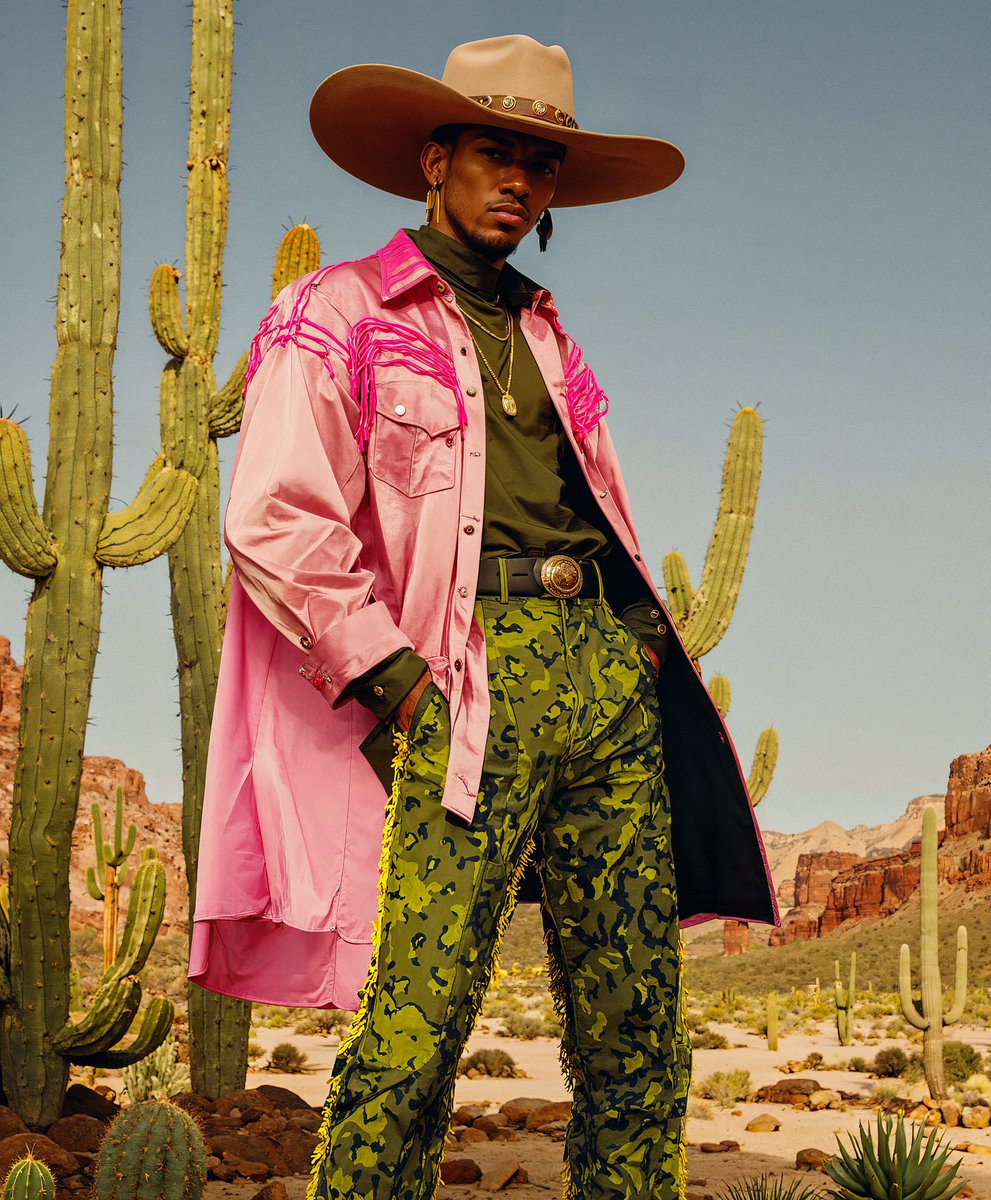
Leonardo AI + Magnific Structure Reference

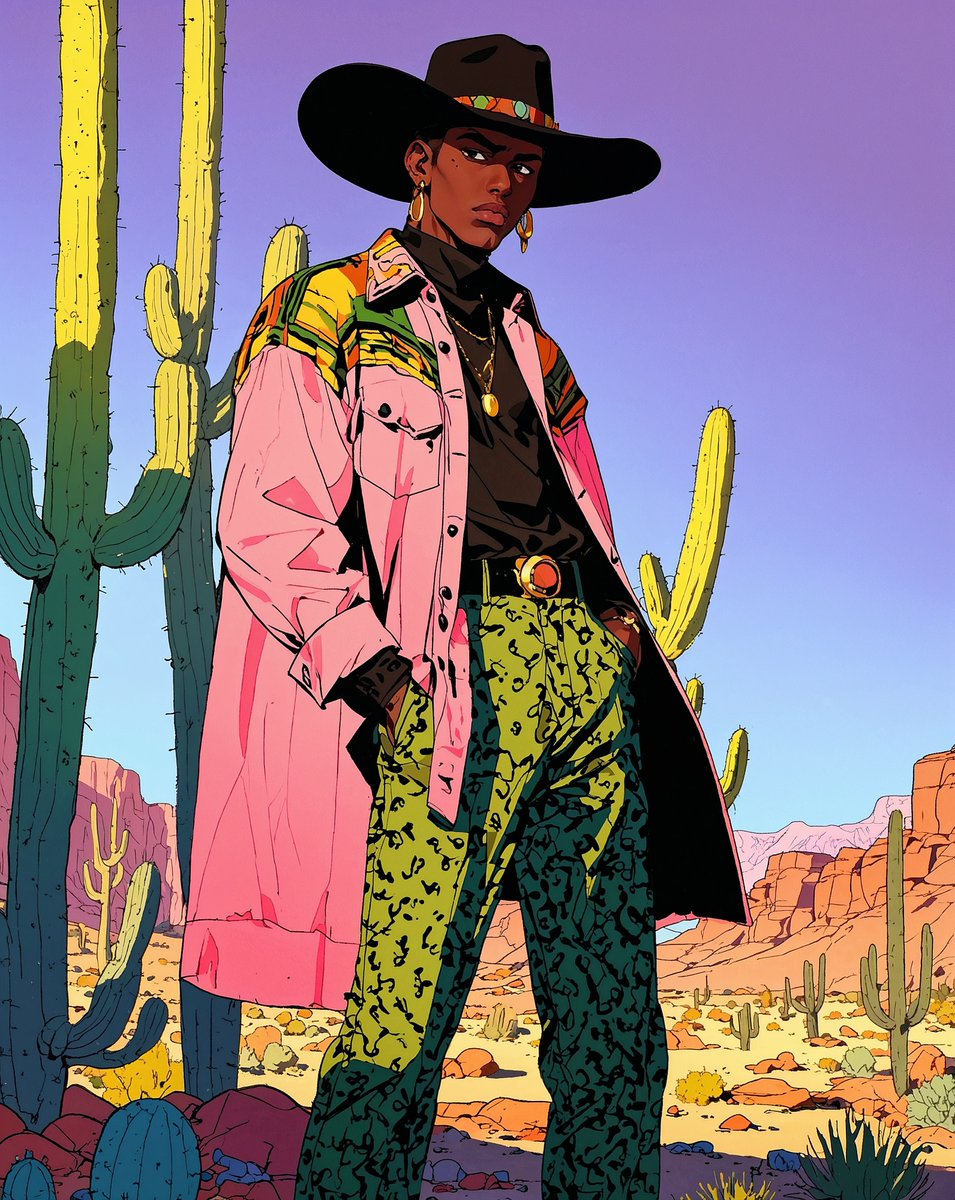
Turning retro anime images into vibrant editorial photos.

👇 Let's take a look ...
Step 1: Head over to @LeonardoAi_ and choose 'Image' from the left nav on the homepage. Generate your image that you want to restructure in the next step.

Model/Preset: Anime
(Choose your style – I chose 'Anime Retro' here)
Contrast: Low Generation Mode: Quality
Image Dimensions: (I used 3:4)

Prompt I Used:

[High-resolution cinematic fashion editorial], [late-20s Asian female model with sleek black hair, porcelain skin, and bold red lipstick, wearing vibrant pink sunglasses], [color-blocked pastel nun outfit with pink, mint green, and yellow panels, oversized cross necklace, black veil, and white Mary Jane shoes], [model reclining against a neon-lit booth with the word "confessional" in neon lighting above it, one hand running through her hair, eyes closed], [dimly lit corner of the church transformed by neon signs and art installations], [contrasting shadows with vivid neon illuminations, mood is introspective and edgy], [neon pink, lime green, and electric blue palette]

Upscale your image.
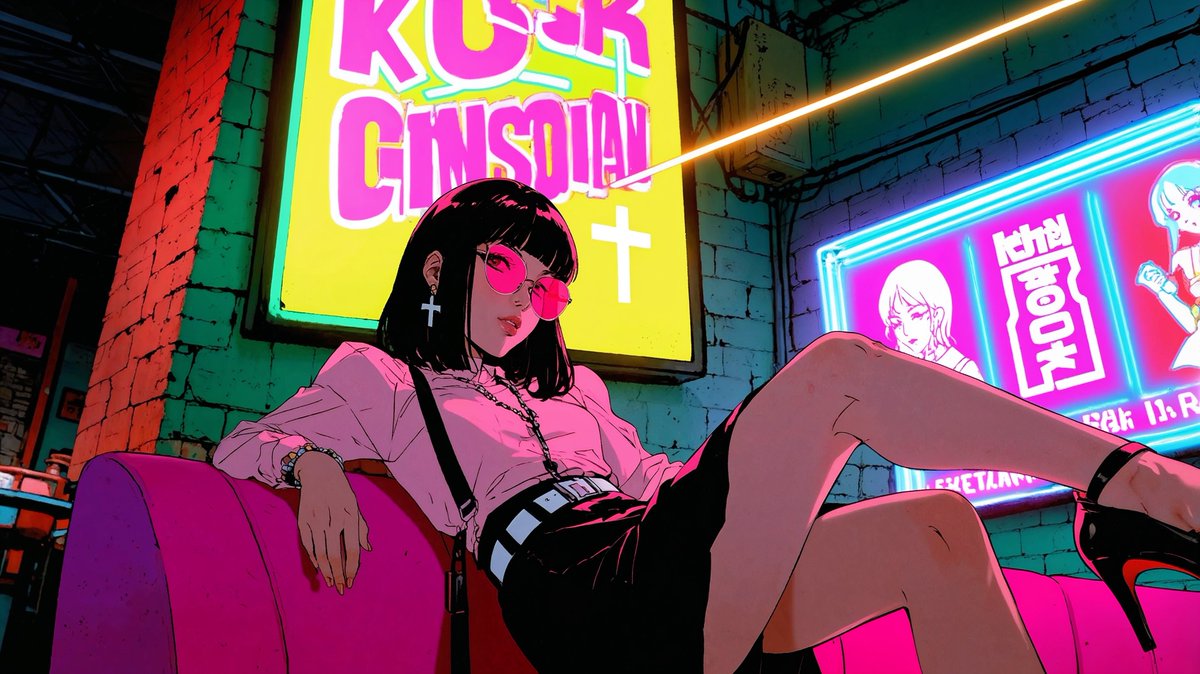
Step 2. Head over to @Magnific_AI

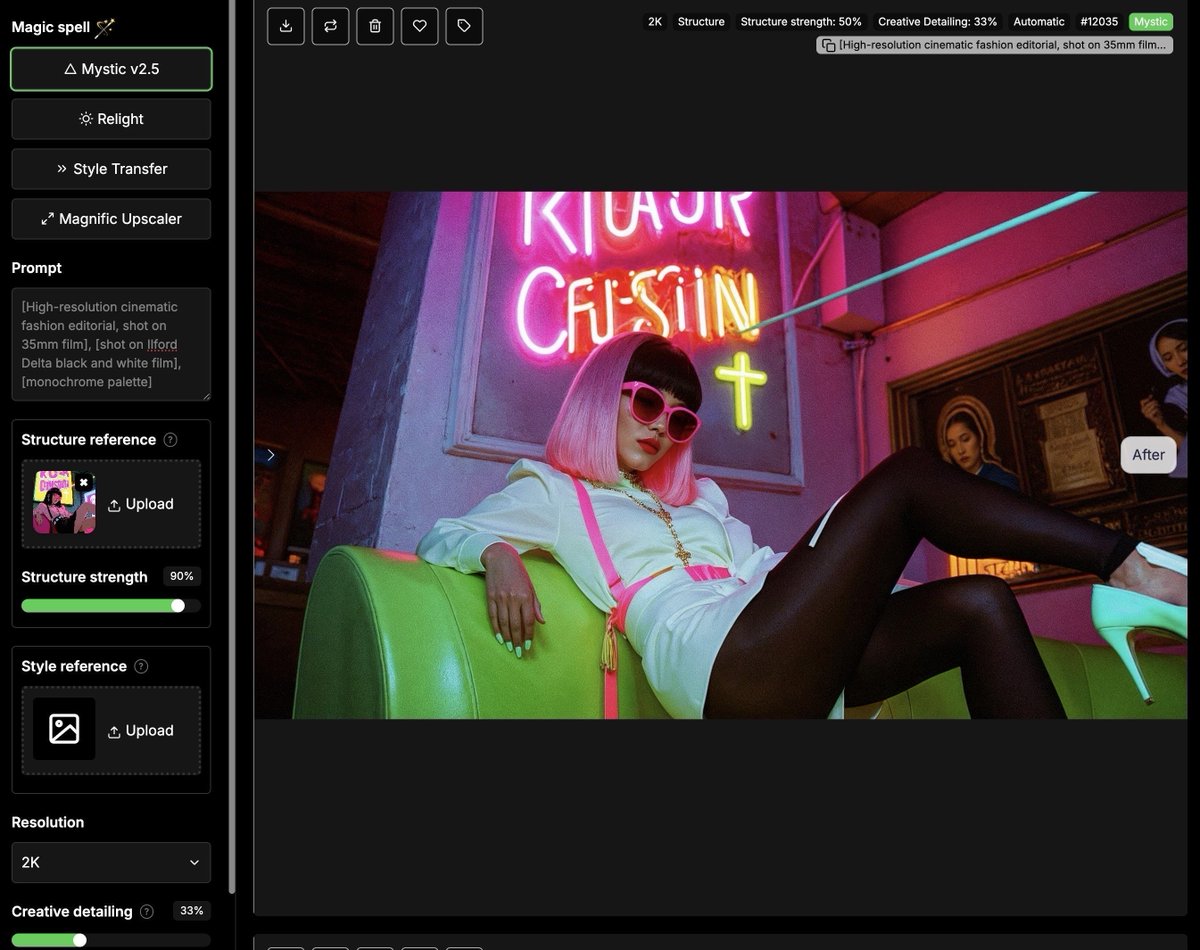
Select Mystic v2.5
Add your Anime image created in the previous step to the 'Structure Reference' box
Set Structure strength (I used 90%)
Select Resolution for outputs (I used 2K)
Choose how many images you want to generate (I chose 2)

HIT GENERATE - watch the magic happen!
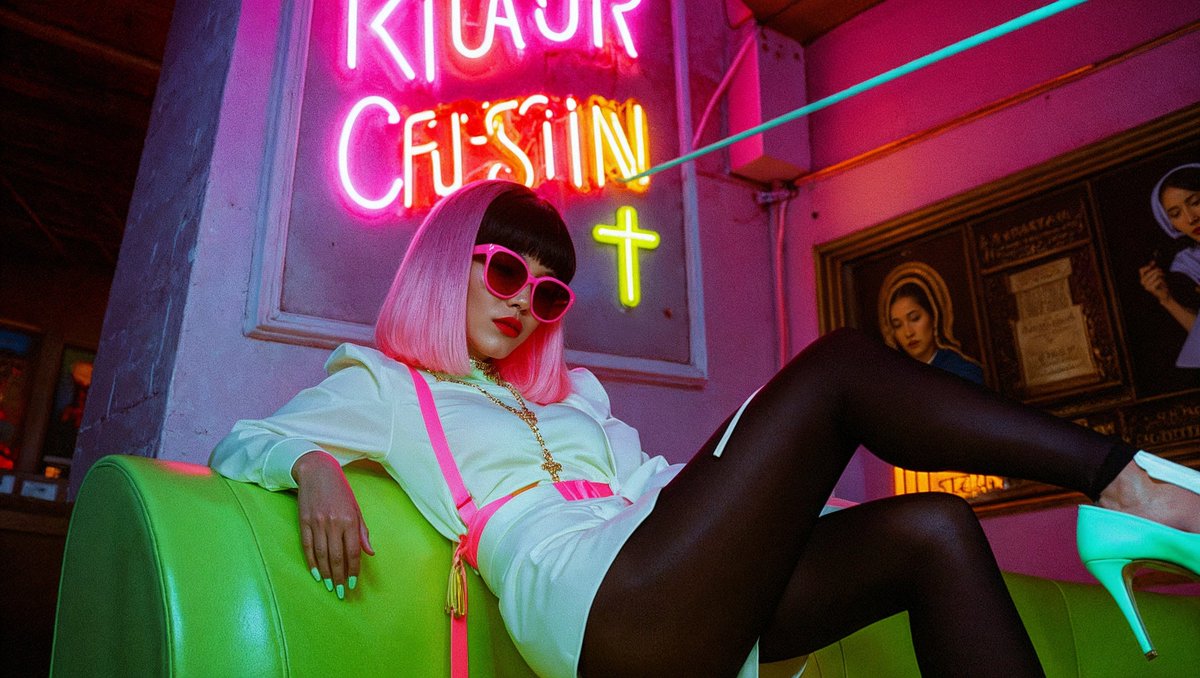
More Examples
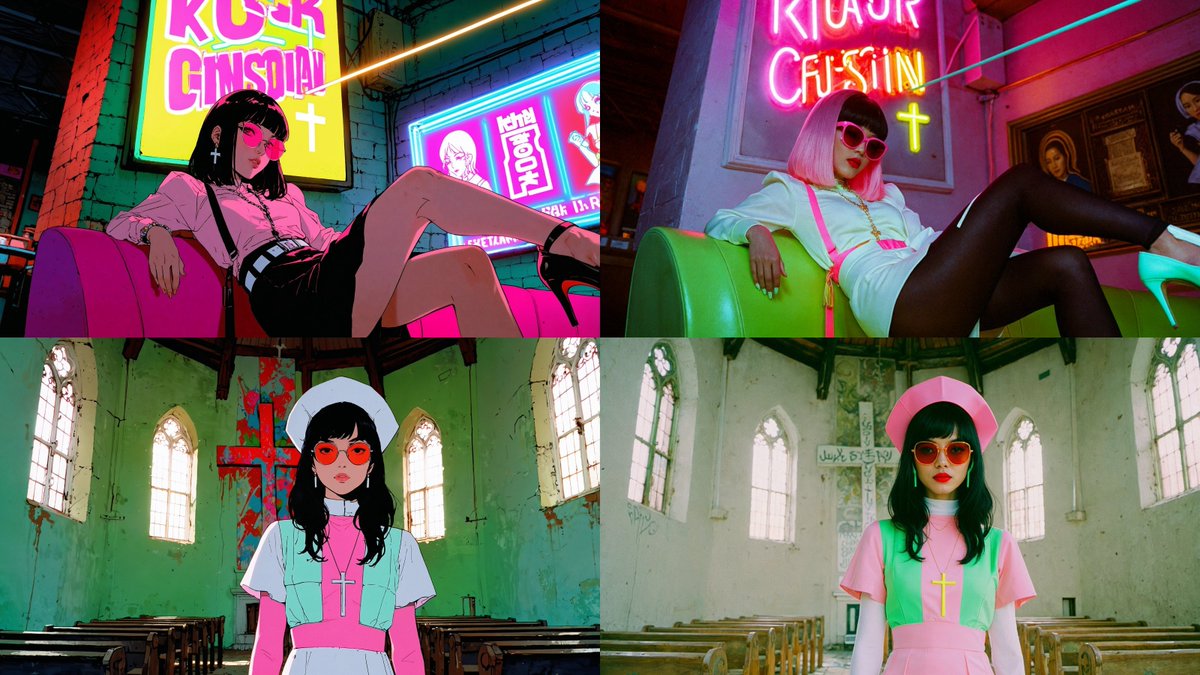
More Examples
Get started with @LeonardoAi_ Today:

https://app.leonardo.ai/?utm_source=twitter&utm_medium=influencer&utm_campaign=lcp_marco
THAT'S A WRAP!

I hope you've found this helpful.  Follow me @ai_artworkgen for more.

If you loved this, please don't forget to bookmark it and share so others can benefit from it too!

https://x.com/ai_artworkgen/status/1949962533512552787


