
Tweet Overview
View this X/Twitter post from @techhalla published on 17 de fevereiro de 2026 às 12:31. This post contains 3 videos and 16 images.
This started as a flat 2D floor plan.

and I'm sharing the exact AI method I used to turn it into a 3D tour inside freepik Spaces 🧵
The key in this @freepik Space is keeping the spatial consistency tight using the reference floor plan.

From there, we create different nodes to generate each room cohesively and then assemble the final video.

Let’s get started 👇
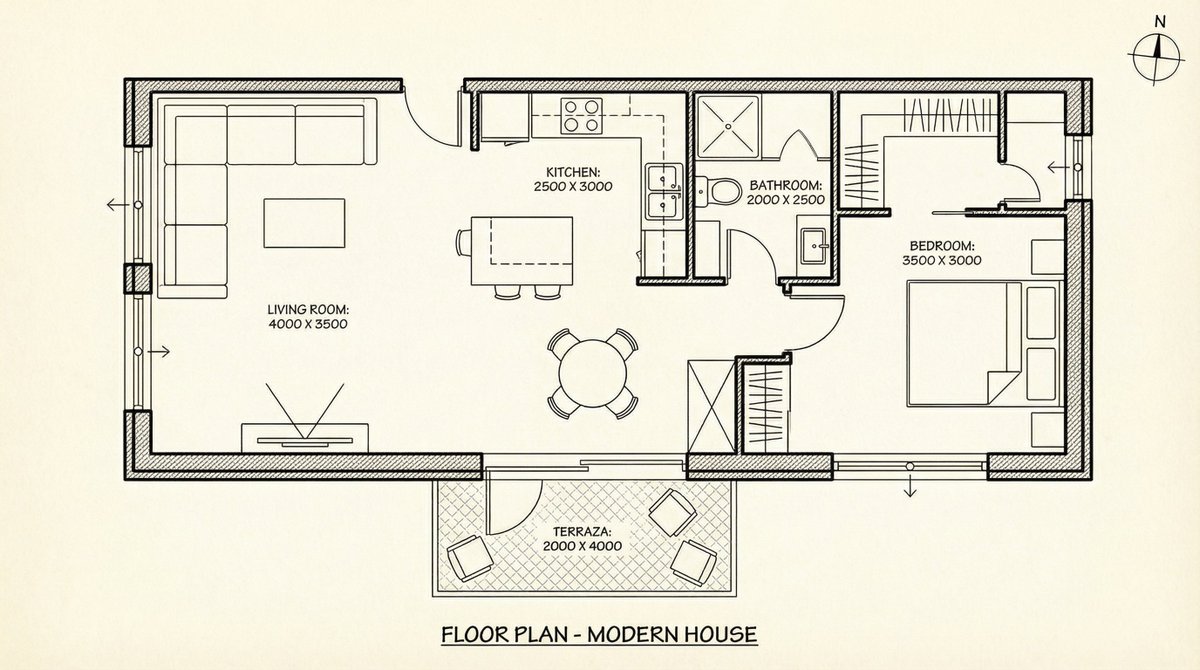
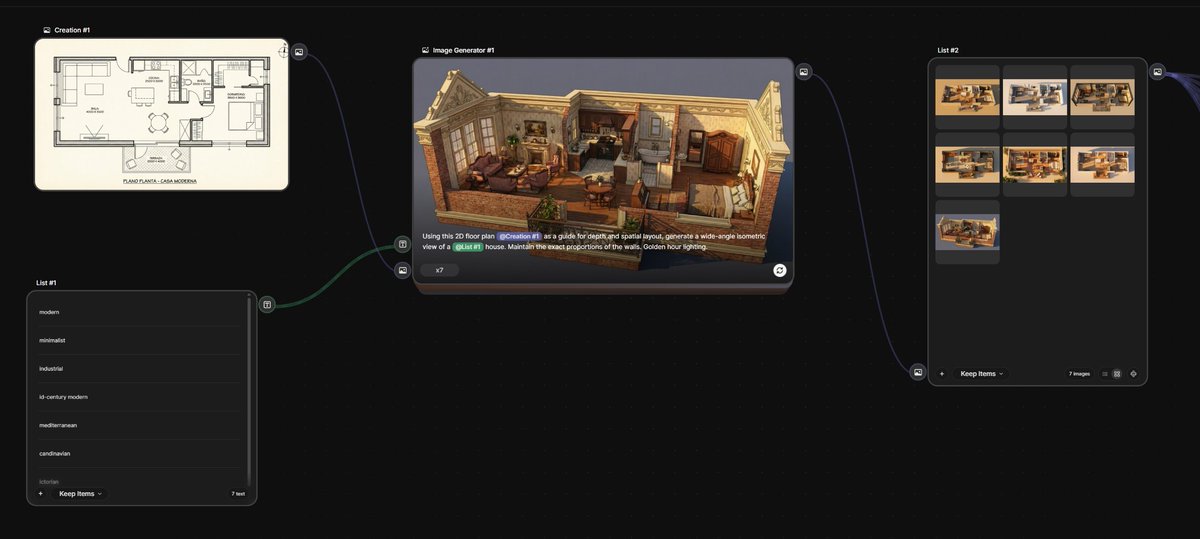
We upload the floor plan and create a List node with different styles, plus an Image node using the prompt you see in the screenshot.

Hit play and boom, you’ve got your first 3D versions that stay consistent with the original layout. Super easy with Nano Banana Pro.
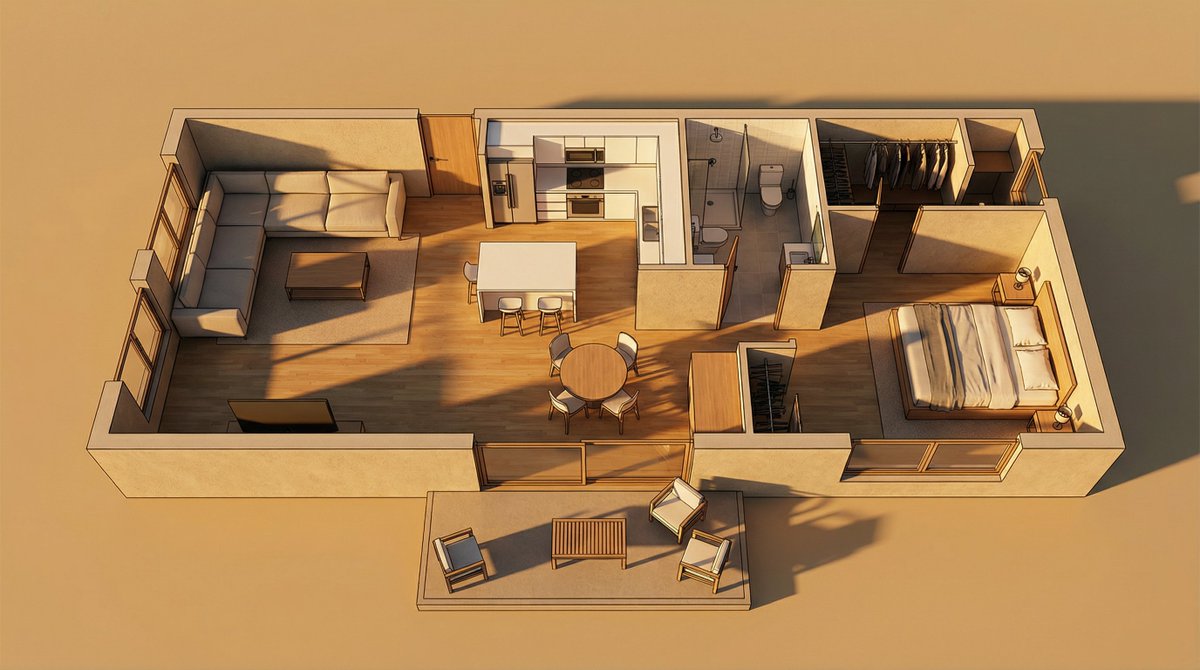
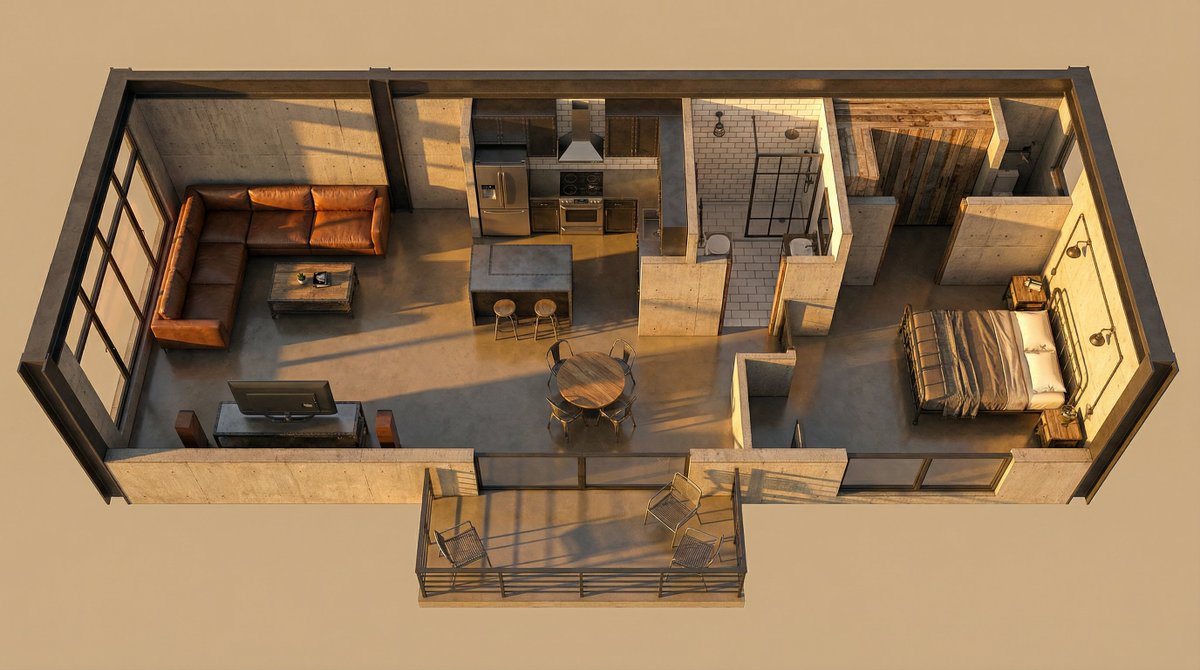

Now, using the list of generated images, we’ll create new Image nodes, one for each room, and generate an interior shot for each one.

We’ll keep the spatial consistency locked in again, this time within our 3D design.
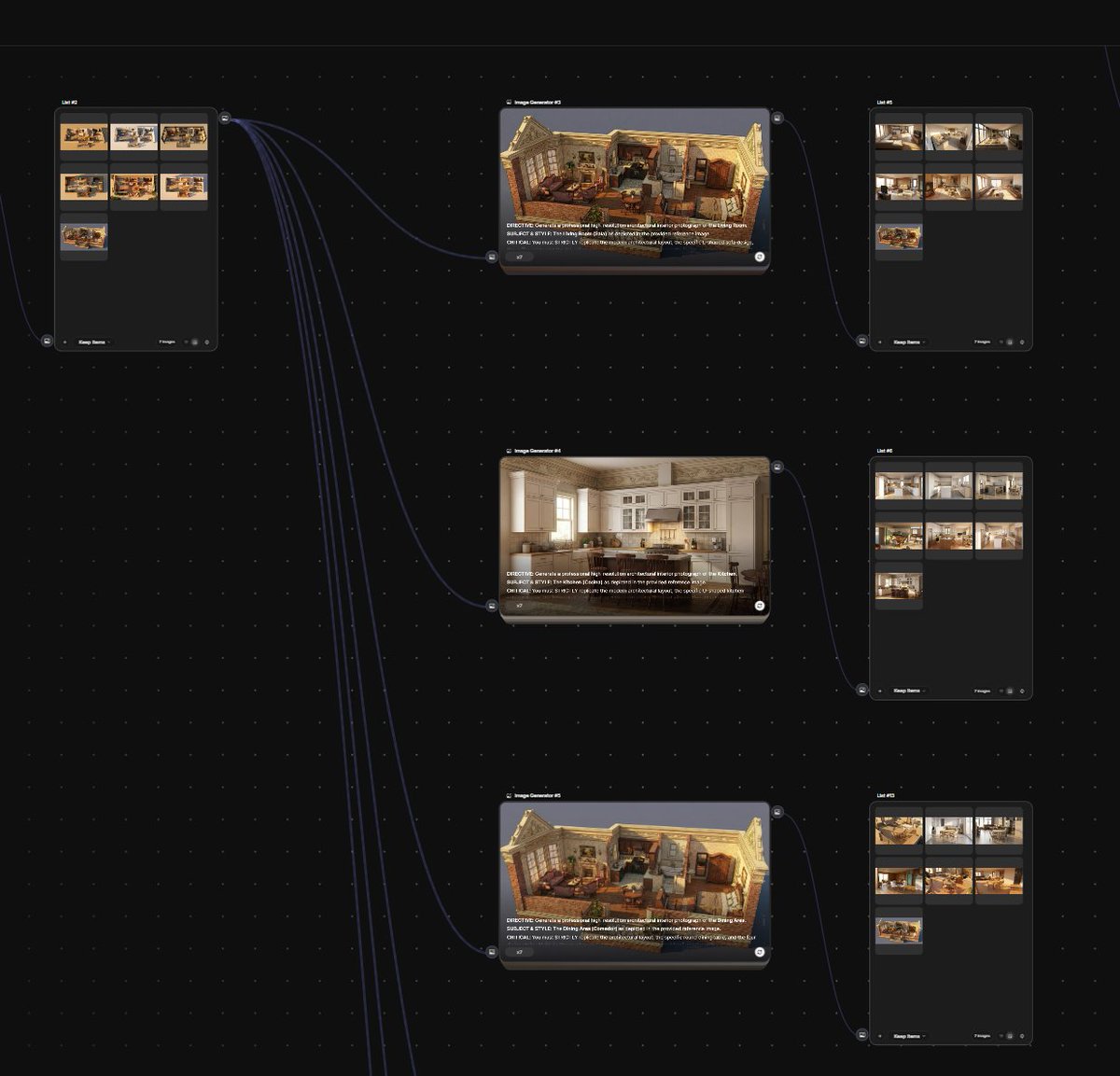
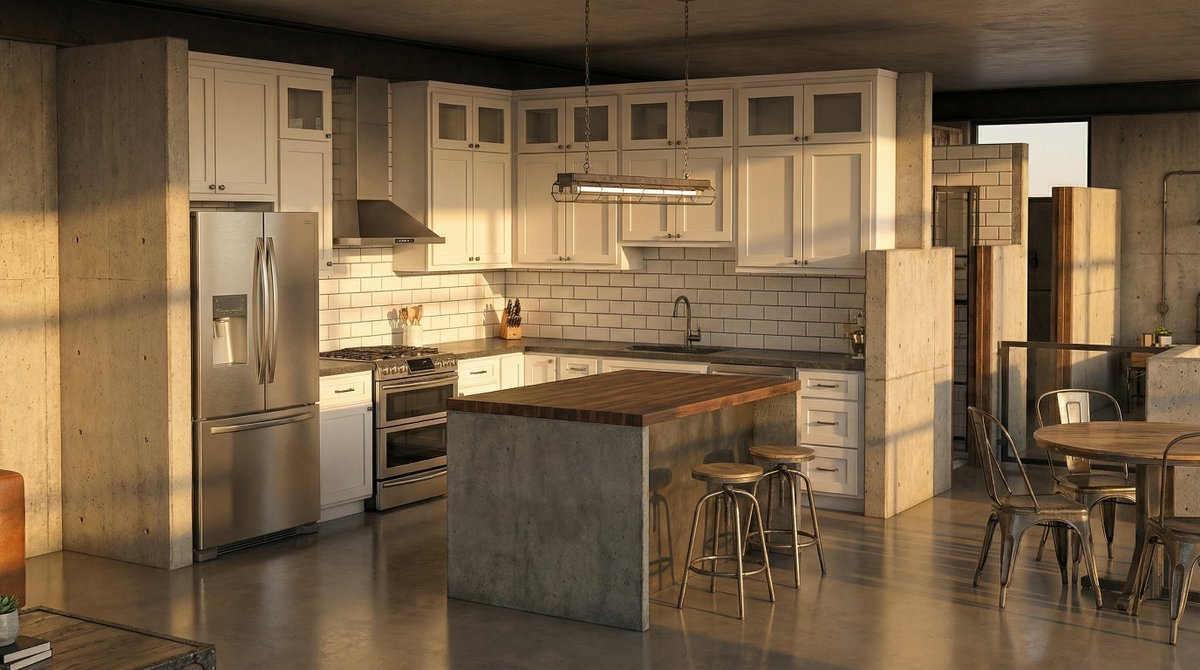
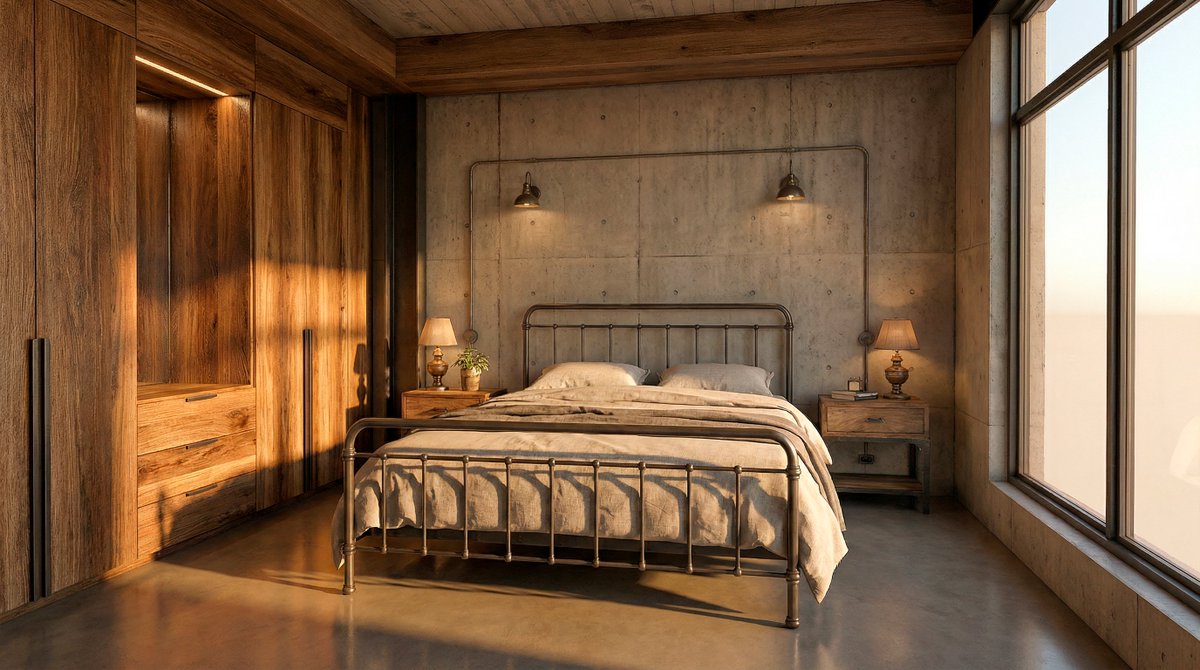
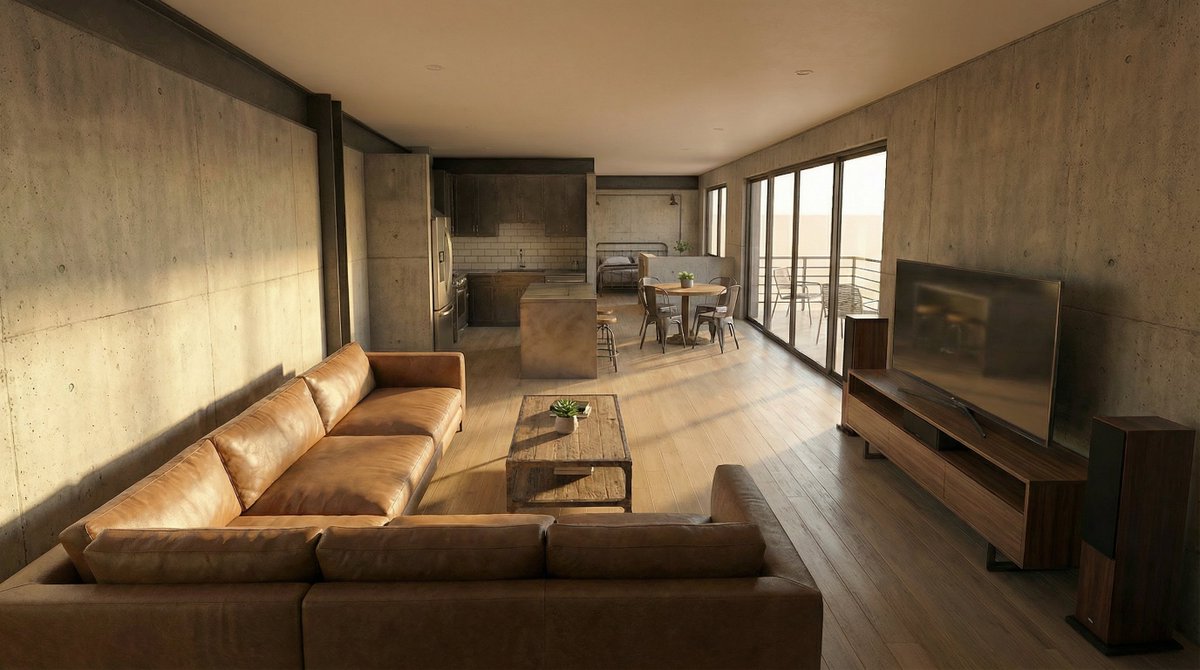
Here’s a sample prompt so you can see how to make it as true as possible to what we’re going for.
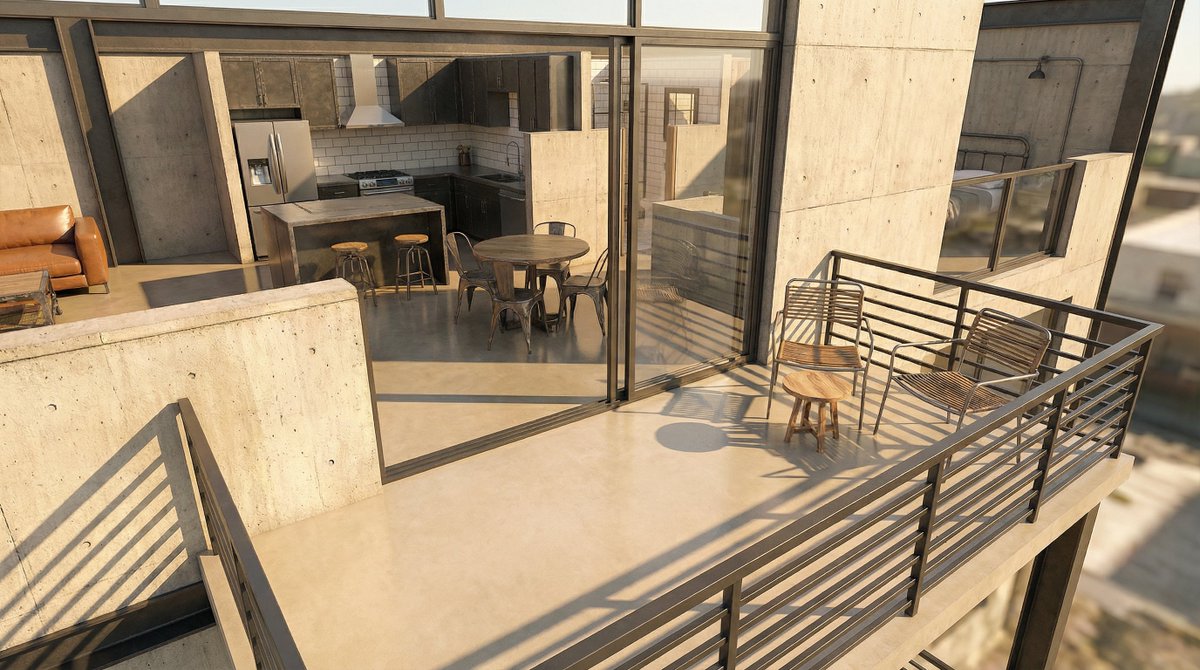
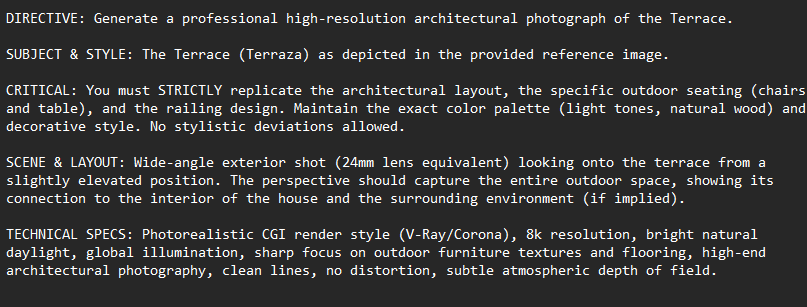
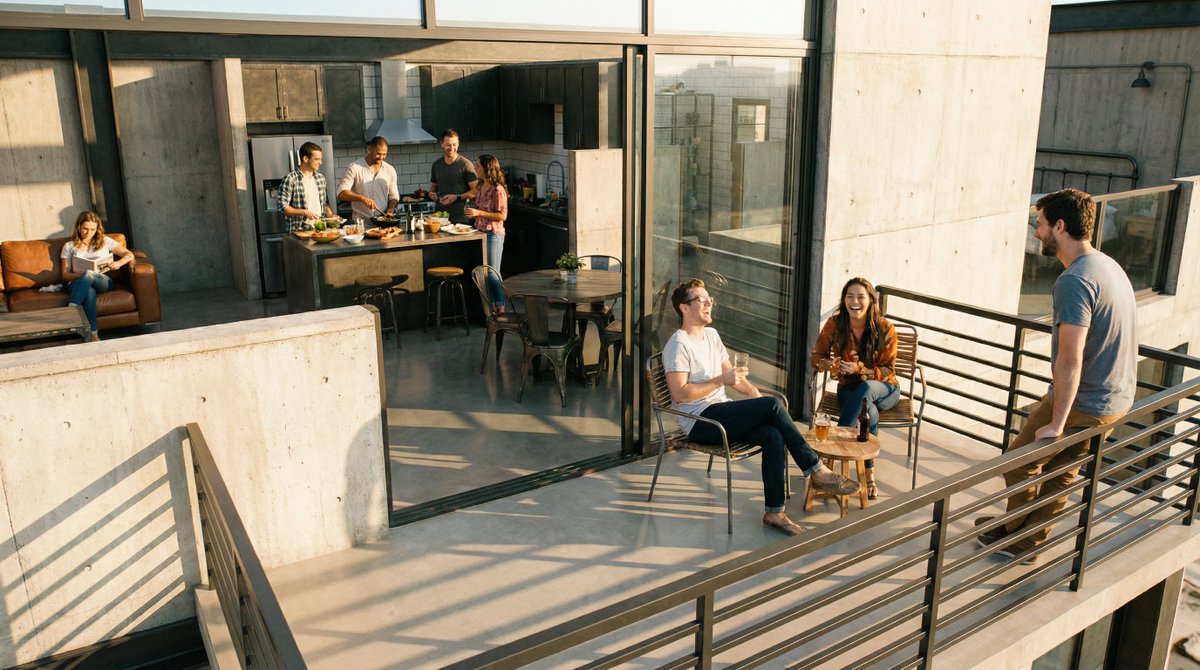
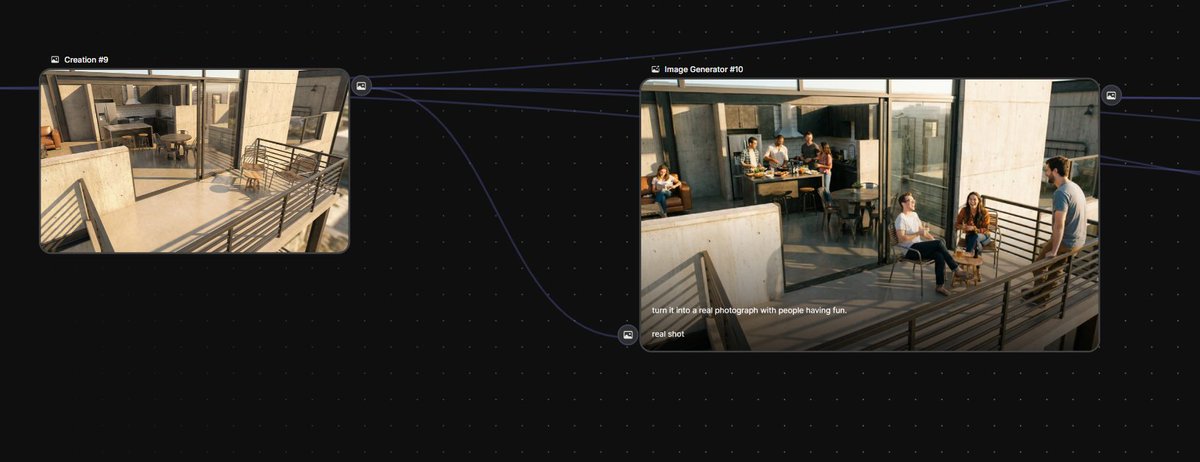
And finally, a couple of extra images to switch up the vibe of the video.

A real photo conversion with people in it, and your studio’s logo!

Once all your stills are ready, it’s just a matter of using Kling 3.0 with start and end frames to generate one smooth, continuous video.

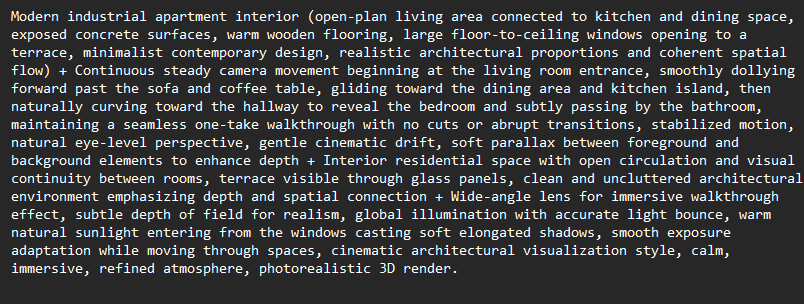
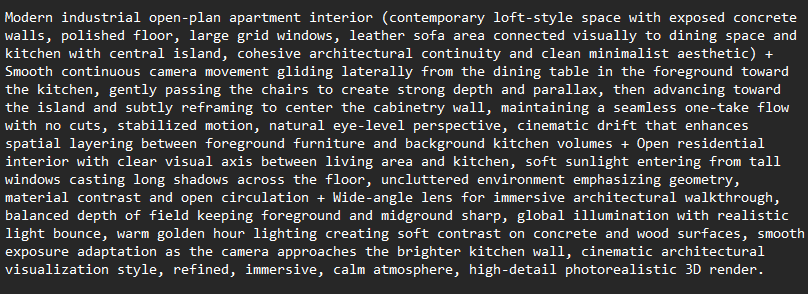
I’m dropping a couple of sample prompts below, the key is to focus on the camera movement.
Want to try this workflow?

Awesome, here’s everything you need to get access:
https://x.com/techhalla/status/1986726690085580811
Hope this helps your next project!

Bookmark the main post so you don’t lose the steps. For more daily AI updates and deep dives, follow me @techhalla
https://x.com/techhalla/status/2023737059077197997


