
推文概览
查看 @HeyAbhishekk 在 2025年7月11日 10:34 发布的这条 X/Twitter 推文。 这条内容包含 3 个视频和 2 张图片。
Grok 4 can now create Mind Maps for books.

No more wasting hours creating visuals for studying or breaking down complex books.

Here’s how to create a mind map in just few minutes:

1. Head over to Grok

Begin by identifying the concept or process you want to map.

Then Write your concept with a tailored prompt.

Prompt → "Create a mind map of [Your Topic]. List topics as central ideas, main branches, and sub-branches."
2. Transforming Text into Structure

- Once Grok responds.
- Ask It to create a mind map in markdown format.
- Copy markdown content for further use.

This is where your text begins its transformation into a visual entity.
3. Visualize with Markmap

- Visit Markmap
- Paste your markdown content into the editor.

Watch your ideas grow into a colorful mind map as if by magic.

After finishing, download it as an interactive HTML for online use or as an SVG for pictures.
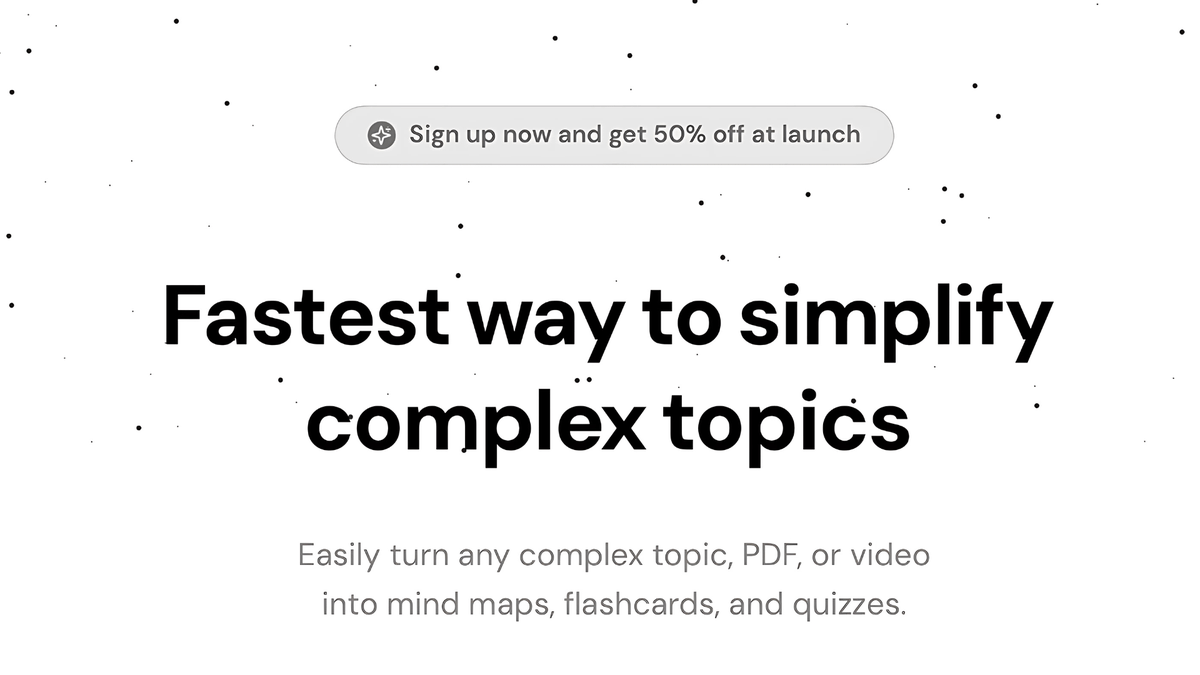
Pro tip: Now Master Any Topic in One Step.

Easily turn any complex topic, PDF, or video into mind maps, flashcards, and quizzes.

Join now: https://www.fastwaitlist.com/studyai
I hope you've found this guide helpful, then:

1. Follow me at @HeyAbhishekk for more AI insights.

2. Like and Repost the quote below with your friends.


